Playing with simulations of dyslexia, colorblindness, and more
We want new engaging web content for the Inclusive LU project, and I wanted to try how easy it really is to use AI for coding (turns out: very!), so I have built a page that — at first glance — looks exactly like this post, but when you hover different sections, things start happening. For example, in the dyslexia section, text starts to scramble, or in the blurred vision, it gets blurry. So read this post if you want easy access to what I actually wrote (and to the links to sources etc), and CLICK HERE to see the page for all the cool effects!
Dyslexia
The first simulation of what the world might look like for other people that I did was on dyslexia, because of experiences that someone close to me described. I saw this simulation of jiggling text years ago and was excited to find it again and realize that they even published the code for how to do this in javascript! So that was easy enough to recreate for my blog. This text is jiggling in the way that it was described to them: First and last letter always stay in place, and middle letters change position in about 10% of words every 50 ms.
When I showed this simulation to my friend with dyslexia, they said that their own experience is different — rather than switching as quickly as in the paragraph above, letters switch spots only every second or so. So that is what I am doing in this paragraph. (But it makes me wonder — if you perceive letters as switching positions by themselves even when in reality they are not, what is it that you actually see in these simulations? The letters moving around the way they were coded to do, or are they also moving around on top of that due to the original dyslexia? Who knows!)
Since this was super interesting, and I also just got new glasses myself and have been struggling with the progressive part making it dangerous to walk down unfamiliar stairs quickly, and moving my head from side to side means that it feels like the whole world is rocking, I was wondering how I could capture those types of experiences.
Low vision
Before my new glasses, this is what everything at short distances looked like: Blurry and with really bad contrast. Good that right now this is only happening when I hover this section, not every time I want to read, or look very closely at something! It really made my life so much easier when I got my new glasses (well, except for the motion sickness that I now get from getting up after having sat still somewhere for a while…)!
Tunnel vision
Another thing I sometimes experience (although typically more figuratively than literally) is tunnel vision: when the edges of the field of sight turn dark and all that stays visible is the light at the end of the tunnel (which, hopefully, won’t be an oncoming train…). When you experience this at the end of a freedive, it is time to come up and do some recovery breaths!
Color blindness
I have always been fascinated by the websites where you can upload your own image and see it the way someone who is colorblind might see it (for example this one that I have used before). Of course there is a continuum of colorblindness (you can be completely colorblind or just weaker for one of the colors), but I am not getting that fancy. I am just showing full-on protanopia (red-blindness), deuteranopia (green-blindness), and tritanopia (blue-blindness) when you hover the image below.
I coded this using copilot, and for all I can see, the code is based on the matrices published in Machado et al. (2009), which are also shared here.
Period pain simulator
Now we are reaching the type of ideas where we would need informed consent to expose people to the experiences, but I would LOVE to have a period pain simulator to let other people experience why I (and many other people) would benefit greatly if there was a “no questions asked” stay-in-bed-once-a-month option available to them… Watch the clip below (or others on that profile — there is also a brother who wants to show their sister that period pains aren’t so bad, but he quickly changes his tune once he’s wearing the simulator… And the facilitator is just amazing in always asking for consent to continue with the simulation, and asking what it would be like to write a test feeling like that, or having to do sports…).
Of course, there are also other reasons why a “stay in bed, no questions asked” policy might be a good idea, for example chronic pain or chronic fatigure or “just” mental health care…
Having to pee
This is easy for many to relate to — you sit in a meeting and are counting minutes until it is supposed to be finished, and then it goes into overtime… But then of course there are plenty of people who have to pee a lot more frequently than others for a number of reasons: Medical conditions, pregnancies, bladder sizes, … But it doesn’t matter the reason, not making it a big deal when people are leaving meetings (rather than annoyed eye-roles, or even policing of who can go when, for example in exam situations) would go a long way! Maybe we can simulate at least the time pressure?
Coming soon…
What I want to explore next chance I get:
- Better example images for the colorblind simulation, but I am not quite sure yet what exactly I want to show. Maybe I should modify it so that people can test their own images (although there are other websites that do that already, so maybe it’s enough to point there)
- A hard-of-hearing audio simulation, where you can switch between different versions of audio similarly to the simulations above
- Something about digital poverty / connectivity — for example a video call where someone constantly freezes?
- A tremor simulator, where the clickable area of buttons is small and moving around?
- Something about navigating campus in a wheelchair. Love P.-O. Hedvall’s “nonclusive by design” LinkedIn newsletter, for example this post about how just going about daily life in a wheelchair activates an iphone’s “shake to undo” feature…
What else would be good to include to provide experiences that might make teachers want to think about accessibility and inclusion in a different way?
I am also toying with the idea to gamify something here. Initially, I thought that it might be fun to build a virtual escape room, where codes that open the next door are hidden in ALT texts or similar, so people explore tools like screen readers etc.. But then I realized that that is actually terrible in the assumptions of what is “visible” and what is “hidden”, so I really need to come up with a better idea… Any suggestions?
Machado, G. M., Oliveira, M. M., and Fernandes, L. A. F.. (2009). “A Physiologically-based Model for Simulation of Color Vision Deficiency”. IEEE Transactions on Visualization and Computer Graphics. Volume 15 (2009), Number 6, November/December 2009. pp. 1291-1298.
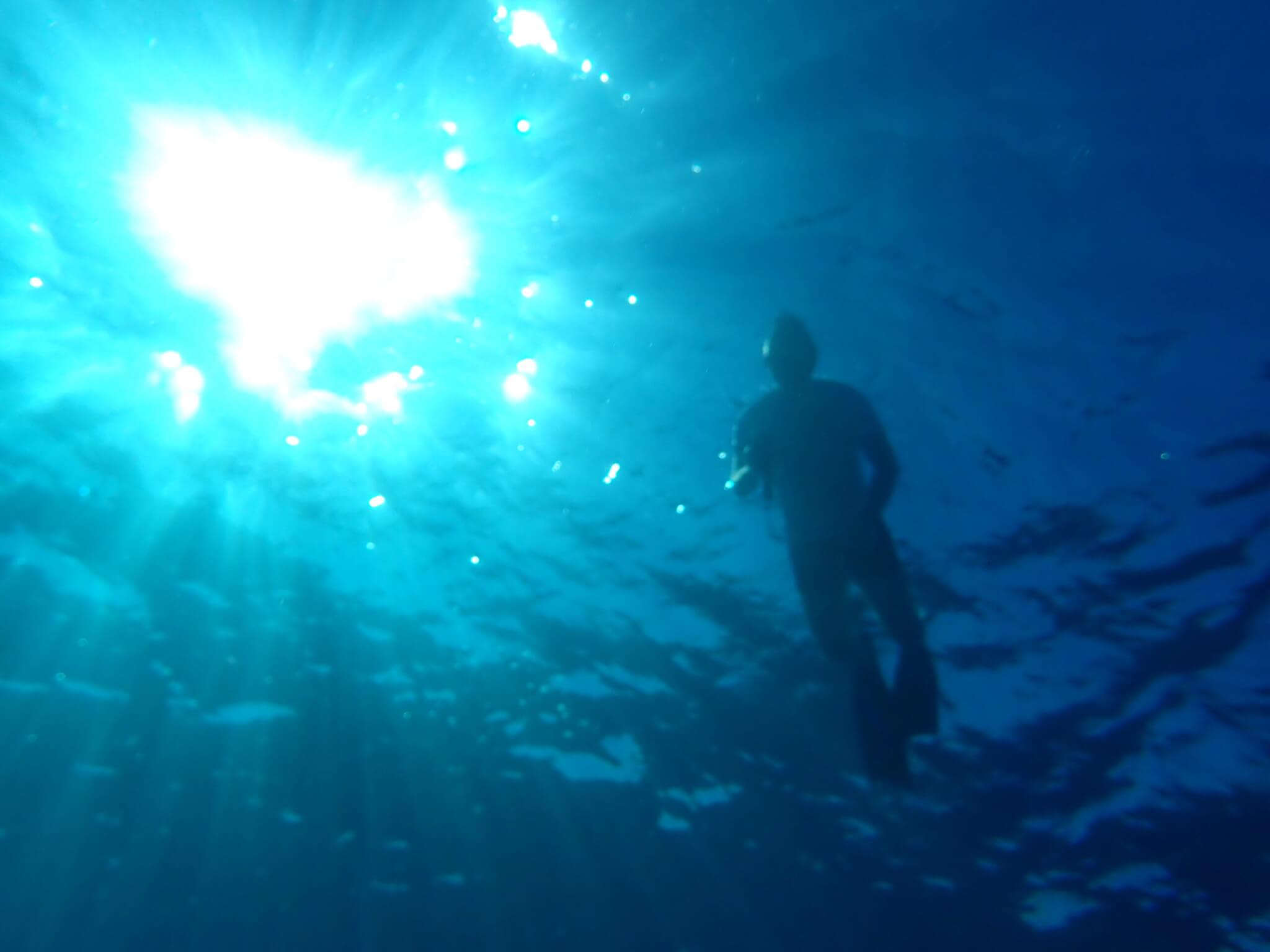
Featured image from my diving collection. I don’t know why exactly this picture made sense in my head, but it did…


Kirsty says:
Great post! As so many are. You save me so much reading. :-)
I think “Something about digital poverty / connectivity — for example a video call where someone constantly freezes” is really important. Especially in Scandinavia, we’re so used to high-bandwidth, that we forget that this isn’t the case everywhere – and not even across Europe.
Strangely, I’m often the one to suggest turning off videos when videos start freezing – it’s soooo effective: audio takes up no bandwidth compared to video, so if internet’s being slow in a call, just turn off the videos. Most online meetings are with people we know, after all. It’s probably from experience when I talk to my parents. And when I’m in the UK, I cannot assume the internet won’t suddenly just stop working for anything between 10 minutes and 10 hours; and with very poor mobile phone signal, one just has to be offline for a bit.
Mirjam says:
Only thing I worry about with the bandwidth simulations is that it won’t be really clear whether a simulation is a simulation or an actual bandwidth problem, so there needs to be some very easy way to hover to switch between the two modes. Maybe…